
Cafes & restaurants
Online ordering for cafes in Ludhiana: a simple, low-cost guide
In 30 seconds
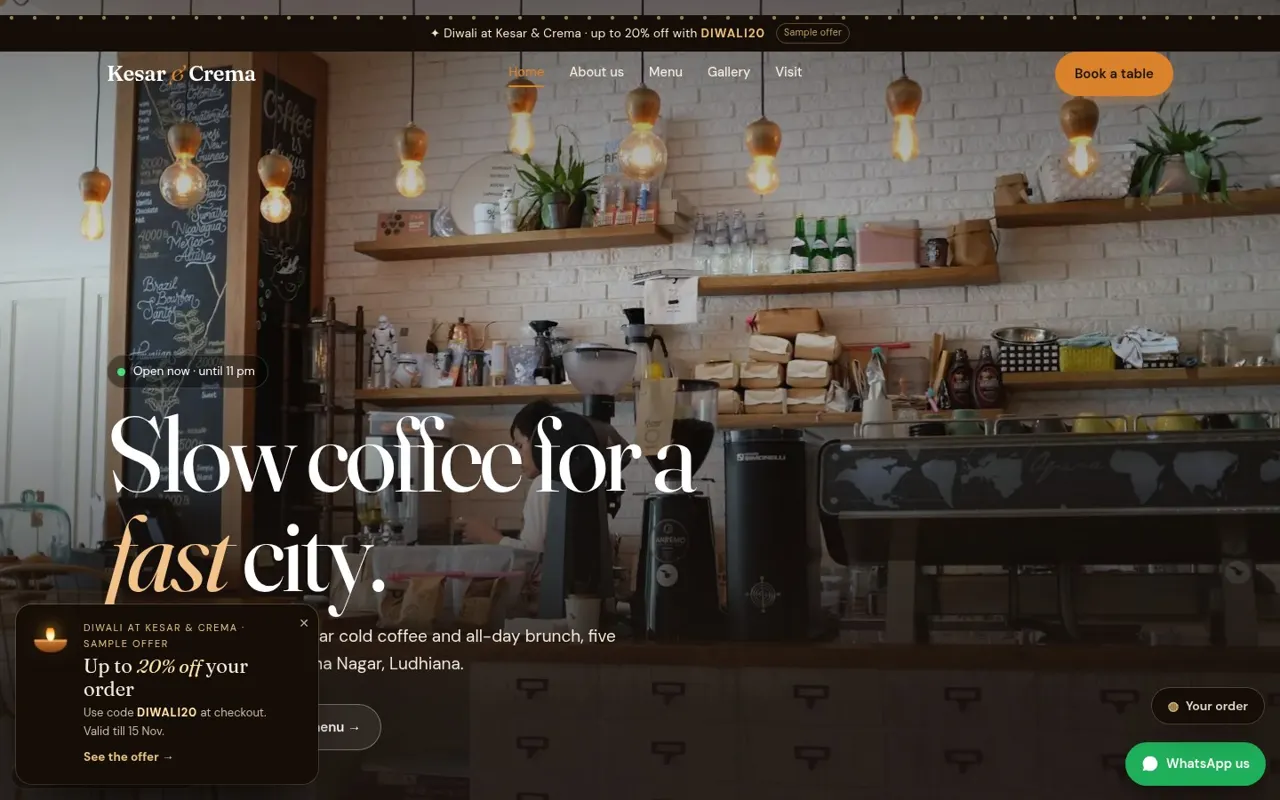
- A menu website lets regulars order directly on WhatsApp.
- Keep Dine-in as pay-at-store and Delivery as online payment.
- Good photos, veg marks and calories help people choose.
- Link it from Google Maps and your Instagram bio.
Why a direct ordering page helps
Delivery apps are great for discovery, but for regulars who already love your cafe, a direct page is simpler: they open your link, pick items and send the order to your WhatsApp. You keep the customer relationship and can thank them, share offers and get feedback.
What your menu page needs
- Clear categories: coffee, shakes, mains, desserts
- A good photo for every best-seller
- Veg / non-veg marks and allergy notes
- Calories and macros — many customers now look for them
- Prices that match your counter menu
Dine-in vs delivery: keep payments simple
A rule that works well: Dine-in → pay at the store. The order reaches the kitchen, the customer pays at the counter. Delivery → pay online by UPI before dispatch, with a full address field. This avoids fake delivery orders and cash confusion.
Offers without hurting margins
Use one festival code (for example a Diwali code) for a limited time, or a slow-hour offer on weekday afternoons. Show the end date clearly. Avoid permanent discounts — they train people to wait.
Getting people to use it
- Put the link in your Google Business Profile as the "Order" link
- Add a QR on tables and bills
- Pin it on Instagram and in your WhatsApp status
Mistakes to avoid
- A PDF menu that is hard to read on a phone
- No timings or closed-day notice
- Asking for too many details before an order
- Fake reviews — Google may remove them and customers notice
Common questions
Do I need an app for this?
No. A fast mobile website with a WhatsApp cart works for most cafes.
Can I try a demo?
Yes: demo.boozuka.com/cafe. It uses a sample UPI ID, so no money moves.